What would I use EmbalmPro for during an actual case?
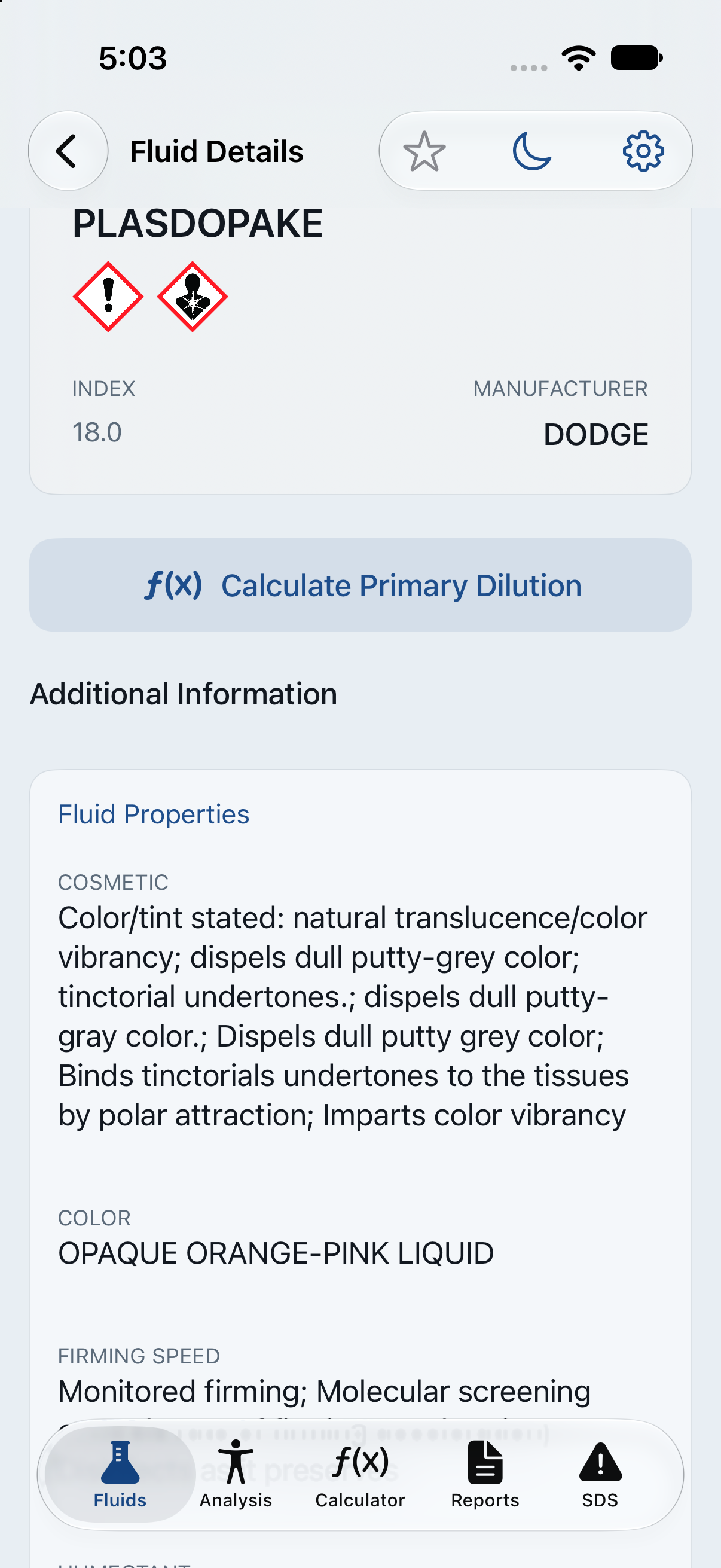
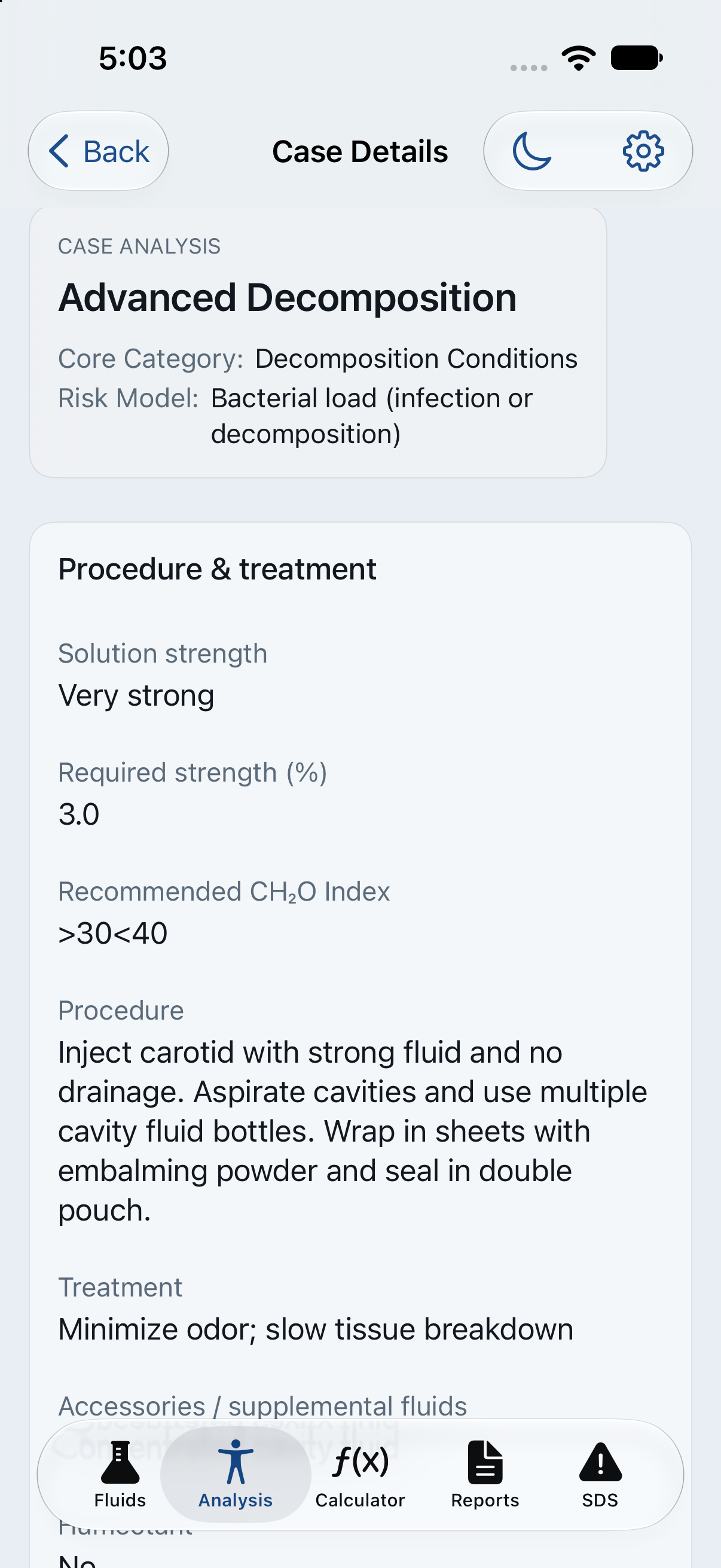
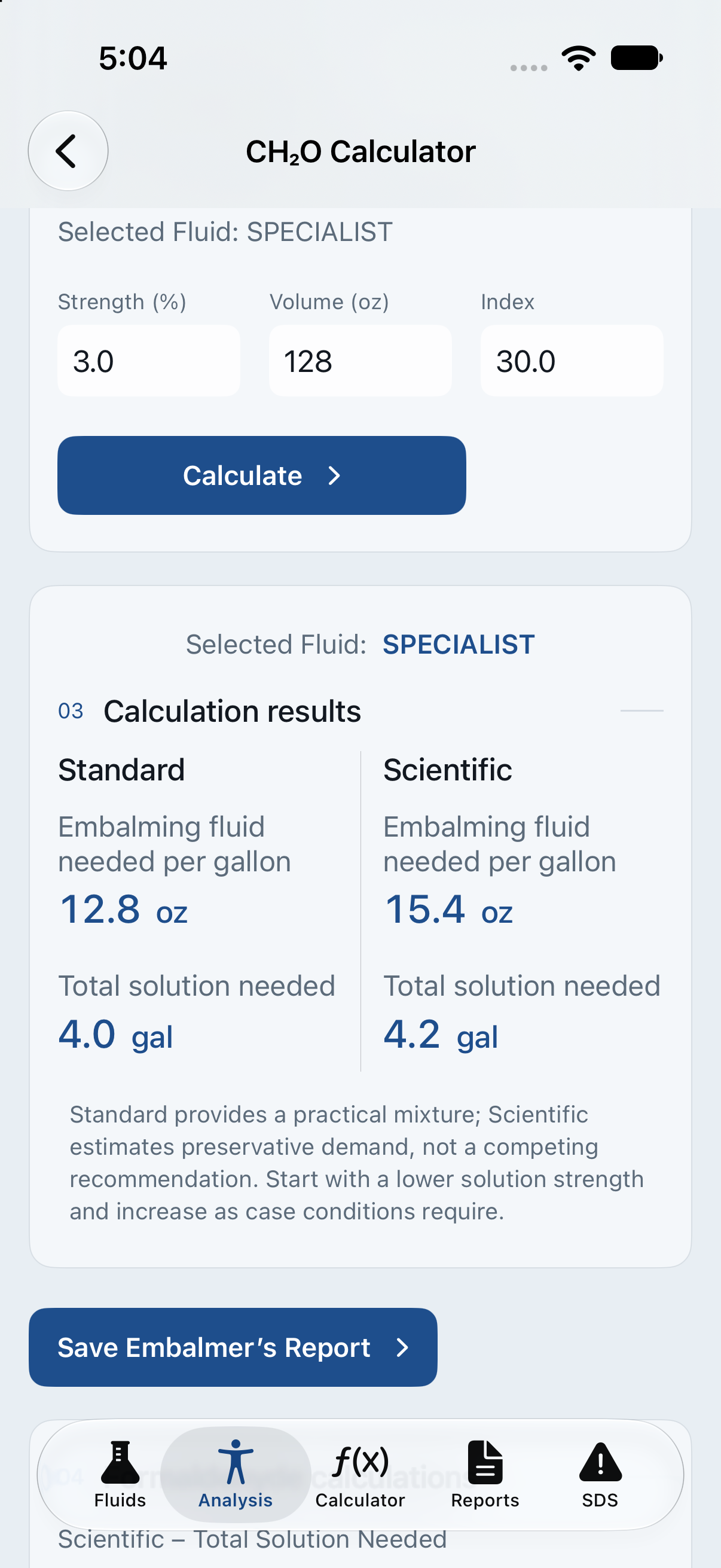
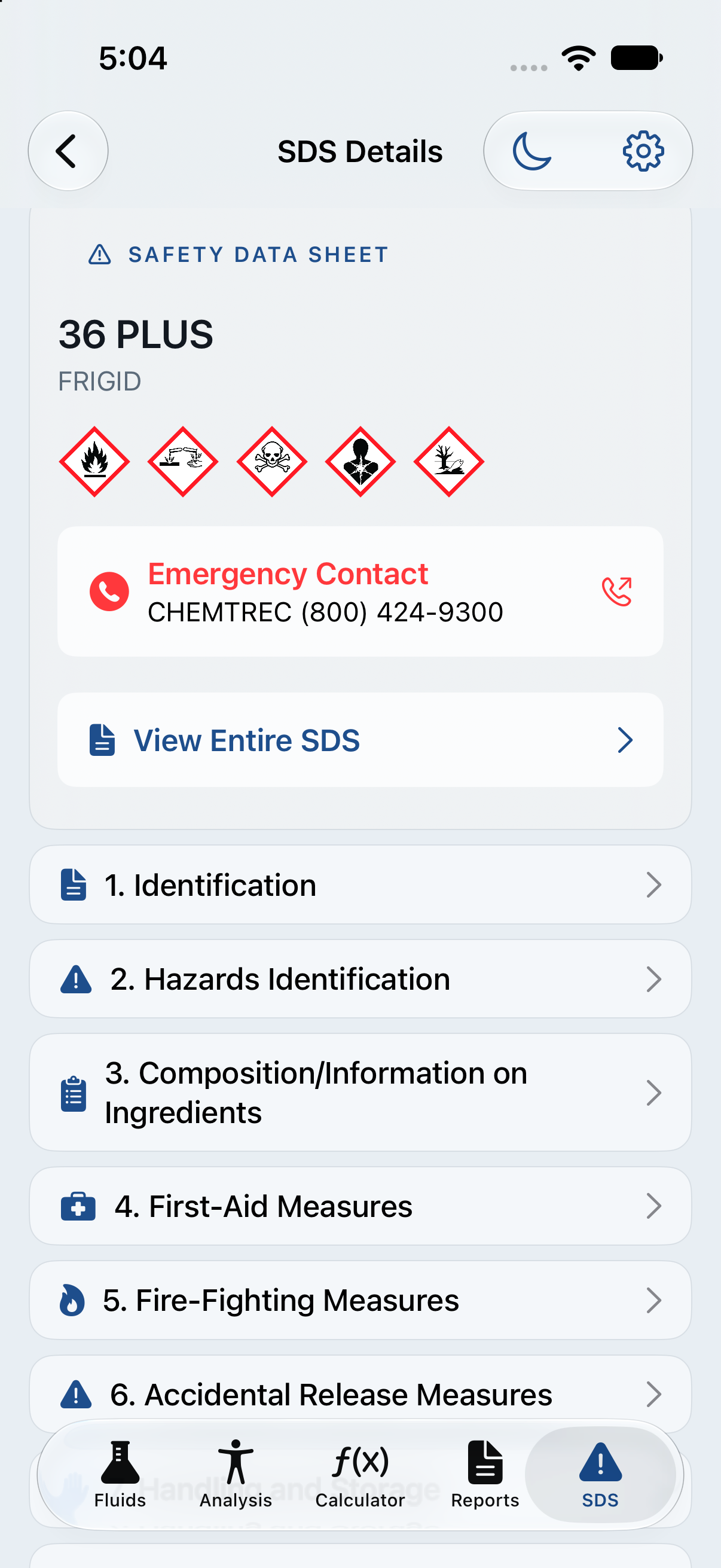
I developed EmbalmPro to bring several parts of the embalming process into one place. You can review fluid information, look up a case condition, calculate dilution, consult available safety data sheets, and prepare an embalming report. You can use each function independently or carry available information from a case analysis into a calculation and report. The purpose is to provide a practical reference while you evaluate and document the case.
I already have experience embalming. How would this app help me?
Experience provides a foundation for evaluating a case and observing how the tissue responds. I developed the app to provide an additional reference for that work. An experienced embalmer can compare available product information, check dilution arithmetic, review an unfamiliar condition, or document the preparation. No calculation can replace case analysis, observation of tissue response, or professional judgment.
Does it work with the fluids I already have, or only certain manufacturers?
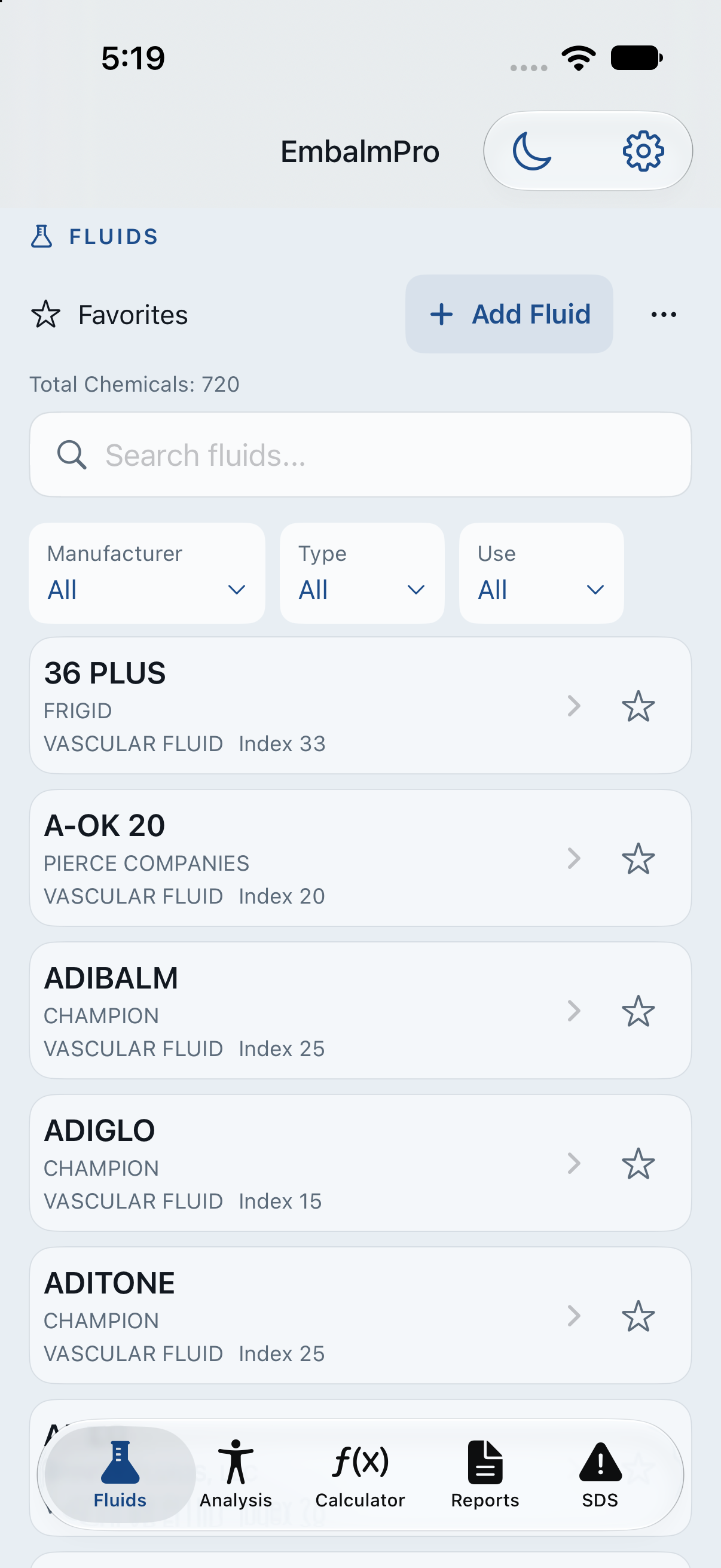
EmbalmPro includes an extensive database of embalming fluids from many manufacturers. You can search by product name or filter by manufacturer and fluid type. If your fluid is not listed, you can add it or enter its index directly into the calculator. Consult the manufacturer’s instructions when evaluating a product for the case.
Can I add or edit fluids and case analysis conditions?
Yes. You can add fluids and additional conditions in Case Analysis. You can also edit existing fluid and condition records to include information relevant to your practice. Use current manufacturer information when entering or updating fluid details.
Can I create a report without doing a calculation first?
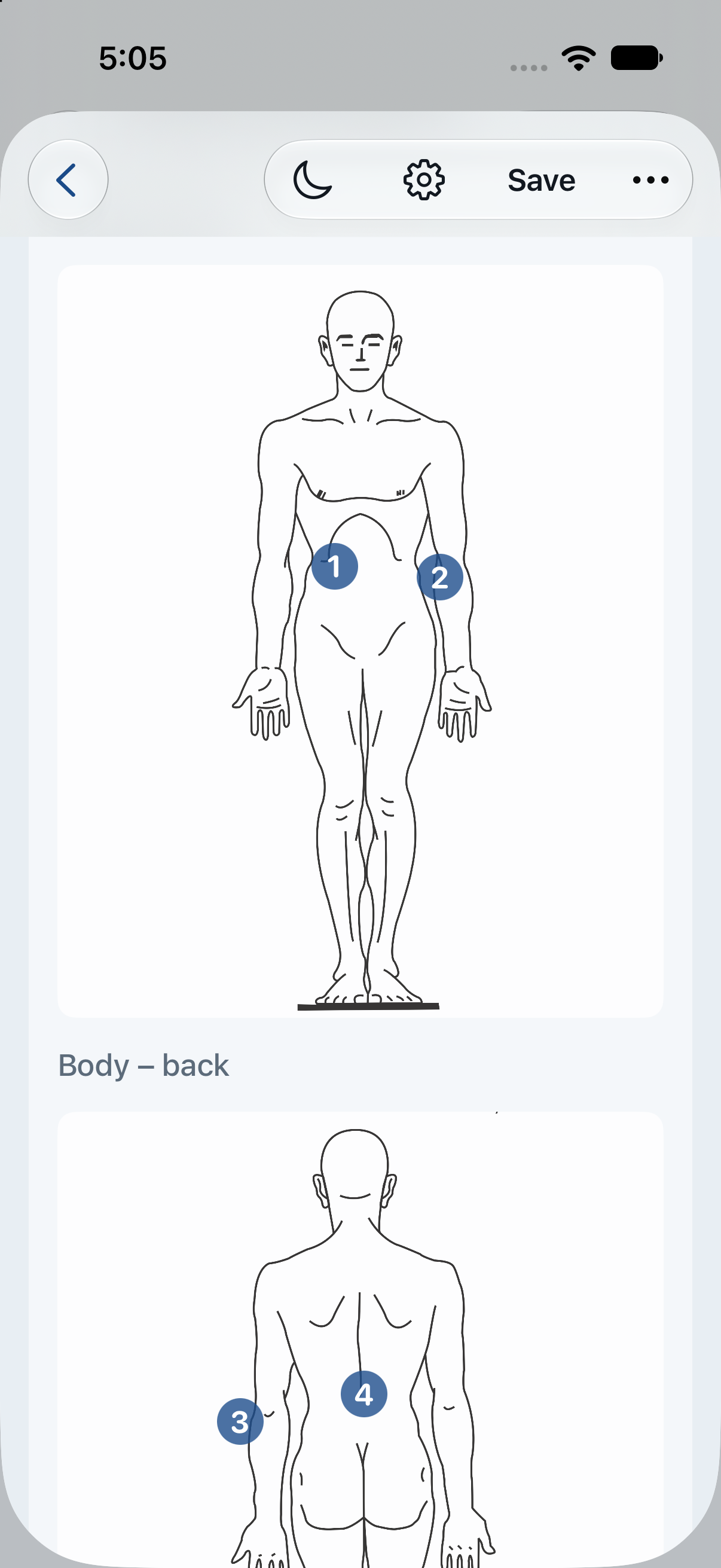
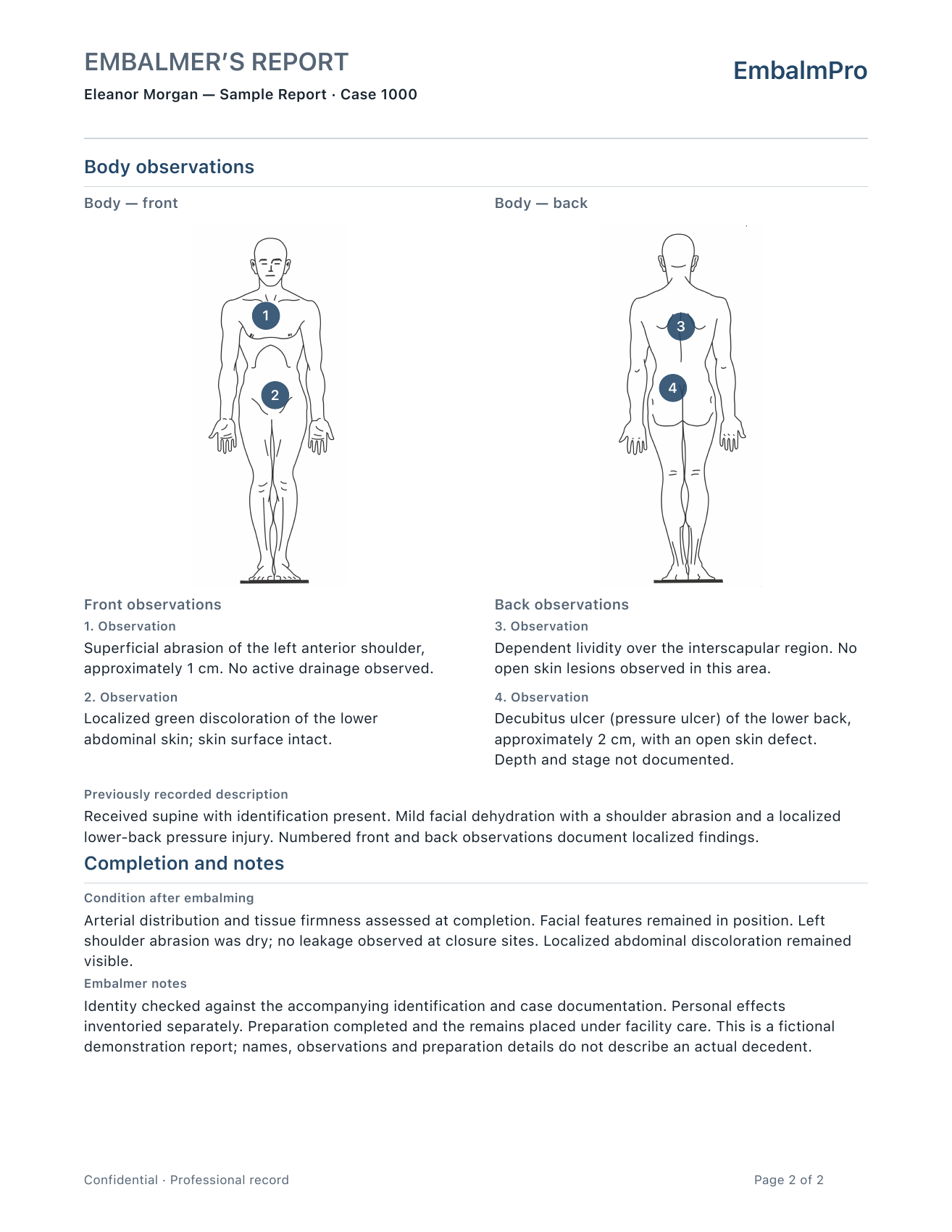
Yes. Open Reports and select Add Report to begin an independent embalming report. You can enter the case information, chemicals used, preparation details, and your observations without using the calculator. The report also provides front and back body diagrams for numbered observations. You can save the report in the app and export a PDF for your records.
What happens to my saved reports if I replace or lose my phone?
Reports are stored on your device. I do not maintain a separate copy that I can send back to you if the device is lost or replaced. Export important reports and keep those copies in a location you control. The current iOS version also provides a report archive export, but it does not have an in-app archive import or restore function. A PDF preserves a readable report; it does not restore an editable case record inside the app.
What happens to my saved reports if my subscription ends?
Ending the subscription does not itself delete your saved reports. However, the current iOS version requires an active subscription to access them. Export any reports you need before your subscription ends, and keep those copies outside the app for future reference.
For the next iOS release, I plan to allow access to existing reports for viewing, printing, and export, including ZIP archives, after a trial or subscription ends. Creating or editing reports would still require an active subscription.
Can I try all the features before paying, and when would I be charged?
The app is free to download. Eligible new subscribers can start a seven-day free trial that provides access to all five main functions. Downloading the app alone does not start the trial. You must confirm the subscription through the App Store or Google Play.
After the trial, the subscription automatically renews at $39.99 per year in the United States unless canceled. Prices vary by country or region. Your store’s confirmation shows your trial eligibility, applicable price and billing terms before you agree. If you do not wish to continue, cancel through your Apple subscription settings at least 24 hours before the trial ends, or through Google Play before the trial ends.
Does SDS access make my workplace OSHA compliant?
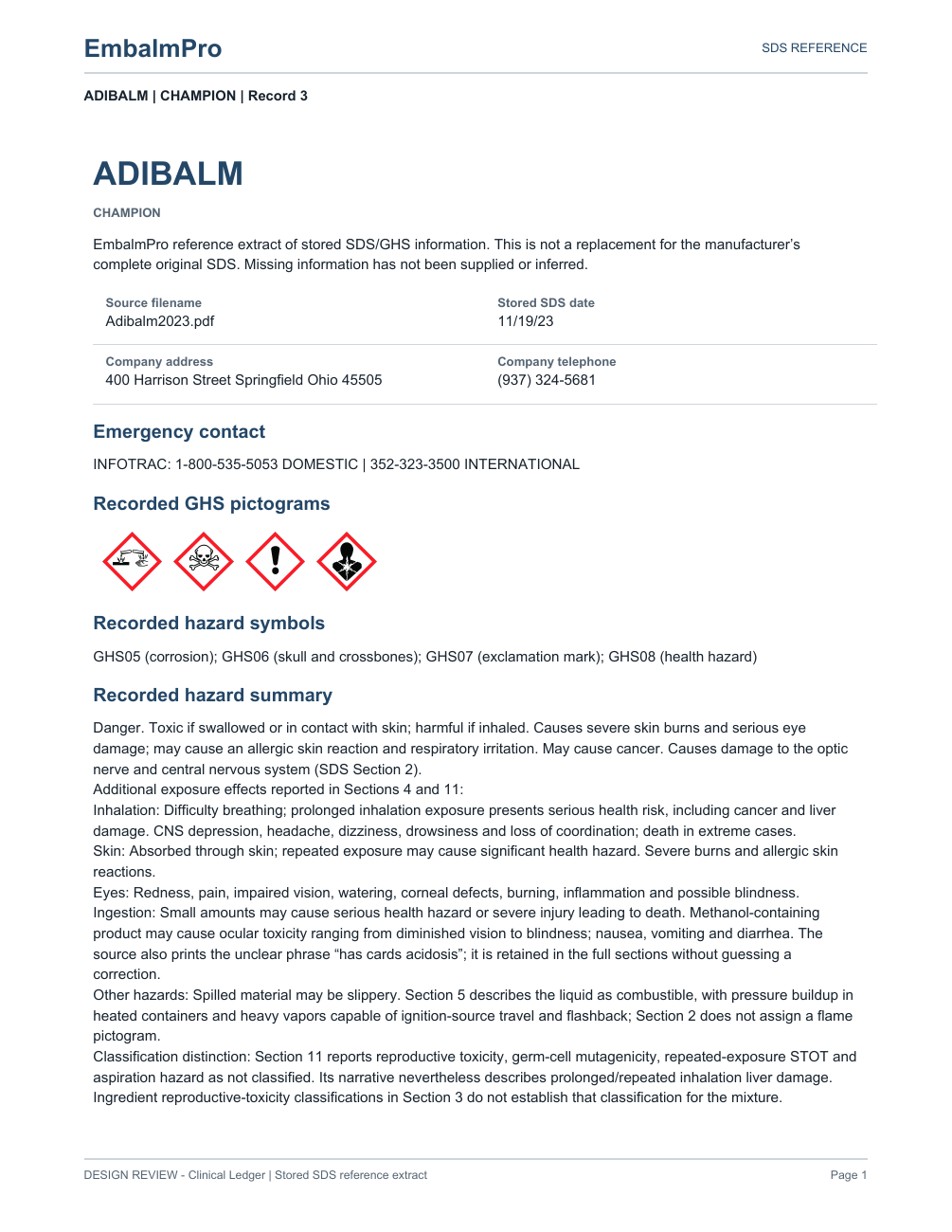
OSHA permits electronic safety data sheets when employees can access the required information immediately during their work shift. Electronic copies can meet the SDS access requirement without maintaining a paper binder as the primary system.
The employer remains responsible for the required SDS, employee training, and a reliable backup, which may be paper copies or another accessible electronic system. EmbalmPro supports SDS viewing and printing, but using the app alone does not establish workplace compliance.